Field Tips
Untitled post
Saved on Tue, Oct 6
Write and edit the post. Preview shows it as readers will see it.
Shows on the blog list and under the link in search results.
It leads the post and shows on the blog list and when the link is shared.
JPG, PNG or WebP, at least 1600 × 900.
Read out to people using screen readers.
Story
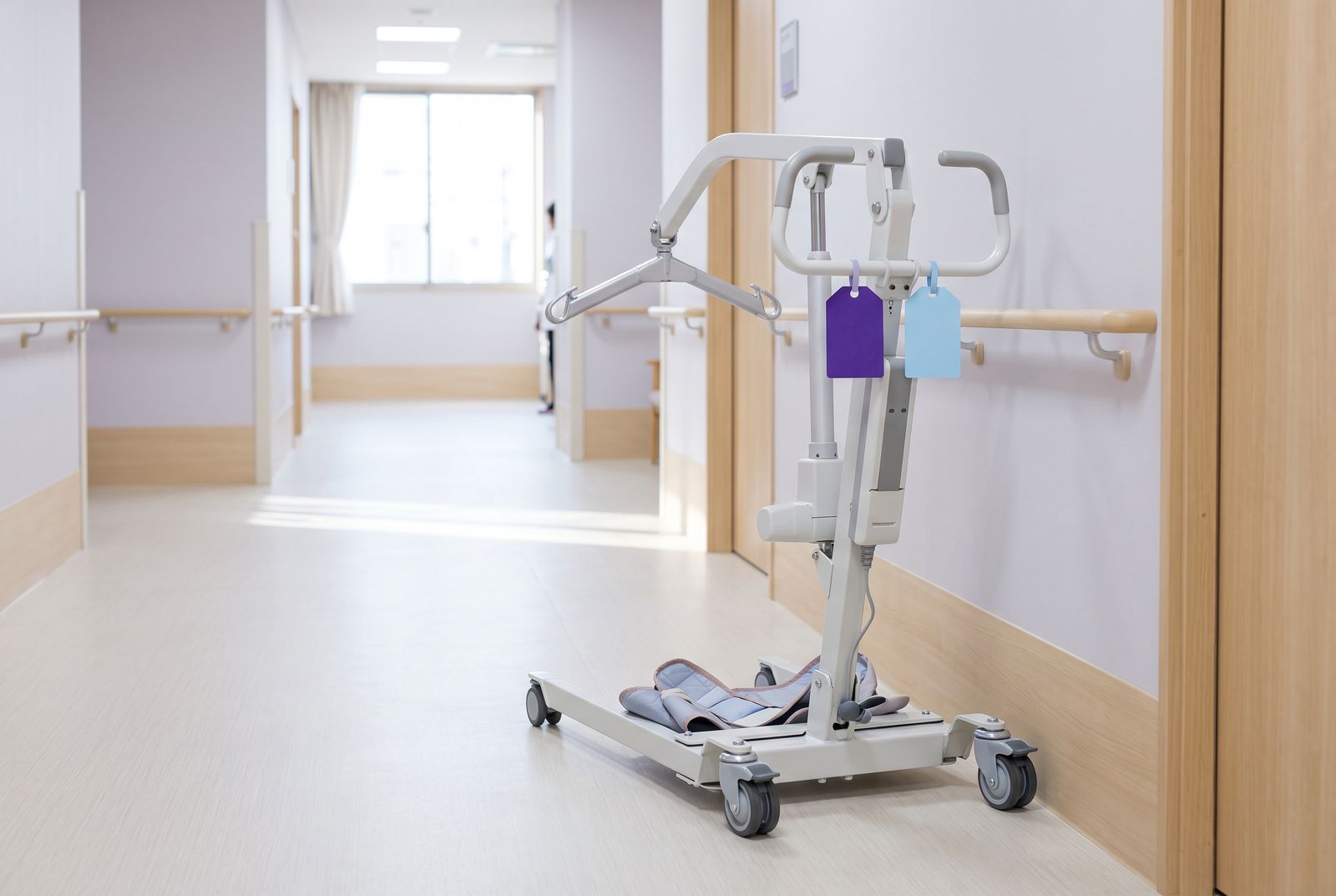
Lumora AI runs two teams out of one office: a day team and an evening team, nine carers in all. Between them they own one mobile hoist and one spare wheelchair. For two years, both lived on a whiteboard by the door, and for two years someone drove across town to find the hoist already gone.
This is how their scheduler, Marlene Bishop, stopped the double-booking without buying a second hoist.
The whiteboard failed for a simple reason. It said where the hoist was, never where it was going. A carer could book a visit for Thursday morning that needed the hoist, and nobody would notice that the other team had the same idea until Thursday morning.
So Marlene added both items to Fieldline as equipment, the same way you add a team member. A visit that needs the hoist books the hoist, and the schedule board shows it as a third row under the two teams. When a slot is taken, it is taken for everyone.
The second rule is the one other offices copy first. From noon on Friday, neither team can book the hoist or the wheelchair. That half day is for cleaning the hoist, checking the sling and fixing whatever broke during the week.
Before, we found out the hoist was broken on Monday at eight, with a client waiting. Now we find out on Friday at two, with nobody waiting.
It also gives Marlene a buffer. When a Thursday visit runs long, Friday afternoon is where it goes, instead of pushing the next week back by a day.
The wheelchair follows the same rule with one change. It only fits in one car, so the team that has it on Thursday keeps it overnight and brings it back by Friday noon. Marlene books that return trip as a short visit on the board, so it shows up in the day plan like any other visit and nobody forgets it.
In the three months before the change, the two teams double-booked a piece of kit fourteen times. In the three months after, they did it once, on the day the rule went live. Carers stopped driving back to the office to swap kit, which Marlene puts at about two hours a week across both teams. Clients noticed too: fewer visits were moved at the last minute because the right kit was not in the car.
Nobody had to remember anything new. The board simply stopped offering a slot that was already gone.
Start with the one item people argue about most. If your teams never fight over the wheelchair, leave it off the board and keep things simple.
0 words3 min read
Ctrl+S saves
Field Tips
How the post looks in search results.
Lowercase letters, numbers and dashes.
Fieldlinefieldline.app › blog
Only Paige and you see these.
Every change, newest first.