Skip to the page content

Lightbox

Open photos and videos large, one at a time or as a gallery you can step through.

5 lightbox types

A grid of thumbnails that opens one viewer for the whole group. The arrows, the ← → keys and a swipe step through it, Home and End jump to either end, and the counter and caption follow along.


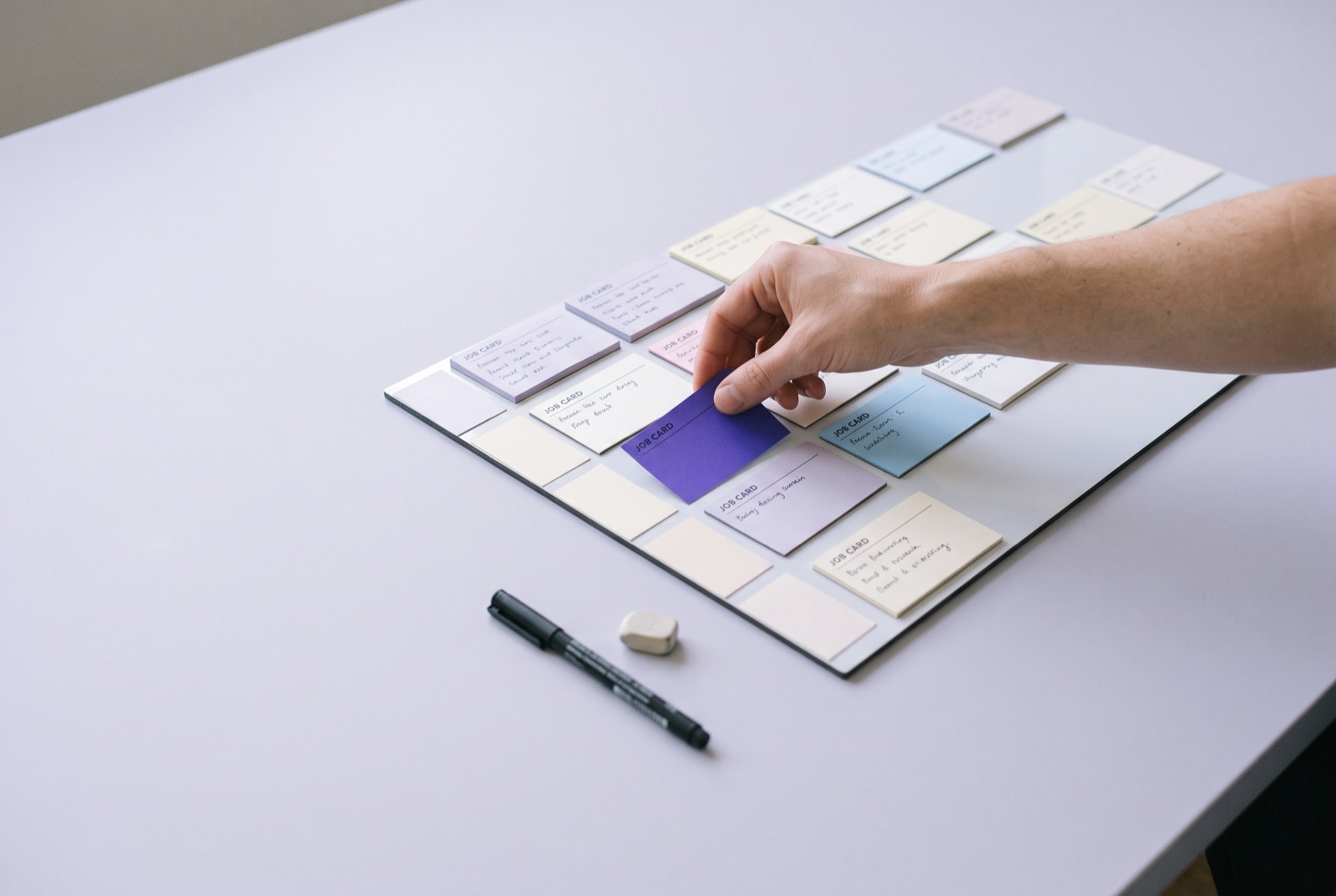
GalleryBasalt component

Click a photo to open it. ← → step through, Esc closes.

Show code
<a class="basalt-viewer-thumb" href="photos/walker-large.jpg"
   data-basalt-lightbox="visits"
   data-basalt-title="Lakeside Apparel"
   data-basalt-caption="Ready by the door before the walk. Sep 2, 2026">
  <img src="photos/walker-small.jpg" alt="A golden retriever waiting by the door, a violet leash on the hook">
</a>
<a class="basalt-viewer-thumb" href="photos/groom-large.jpg"
   data-basalt-lightbox="visits" data-basalt-title="Avocet Robotics">
  <img src="photos/groom-small.jpg" alt="A groomer trimming a small white dog after a bath">
</a>
<!-- Every link with the same data-basalt-lightbox value joins the group. -->

Single image

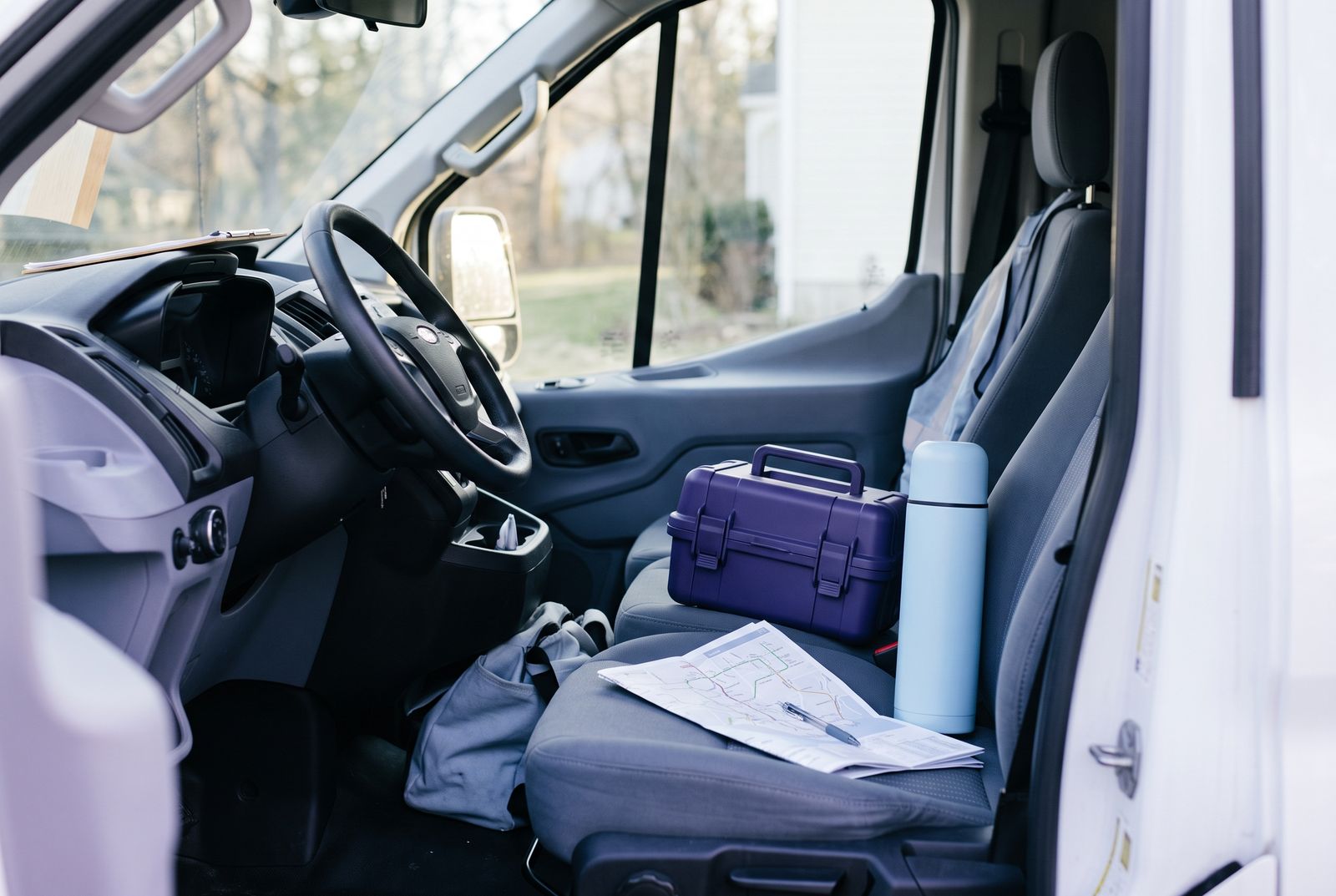
One picture that opens on its own: leave data-basalt-lightbox empty and there are no arrows or counter, just the picture and its caption.

Single imageBasalt component
A steel archive box with a brass padlock and a violet seal
Show code
<a class="basalt-viewer-thumb" href="photos/office-large.jpg"
   data-basalt-lightbox=""
   data-basalt-title="Records, locked"
   data-basalt-caption="Desks by the windows, where most of the team sits.">
  <img src="photos/office-small.jpg" alt="The Fieldline office floor with rows of desks">
</a>

Video

A video file plays in the same viewer with the browser’s own controls, and stops when the viewer closes. Use data-basalt-type="embed" for a YouTube or Vimeo link.

VideoBasalt component
Play the garden visit clip
Show code
<a class="basalt-viewer-thumb" href="videos/garden-visit.mp4"
   data-basalt-lightbox="" data-basalt-type="video"
   data-basalt-title="Garden visit clip">
  <img src="videos/garden-visit-poster.jpg" alt="">
  <span class="basalt-viewer-thumb-play"><i class="bi bi-play-fill" aria-hidden="true"></i></span>
  <span class="visually-hidden">Play the garden visit clip</span>
</a>

<!-- A YouTube or Vimeo video -->
<a href="https://www.youtube.com/embed/VIDEO_ID" data-basalt-lightbox=""
   data-basalt-type="embed" data-basalt-title="Product tour">…</a>

Grid with a count

Four thumbnails and a count over the last one. The rest of the group stays hidden on the page but is still in the viewer, so the count opens straight onto them.

GalleryBasalt component
Show code
<div class="lb-count">
  <a class="basalt-viewer-thumb" href="1-large.jpg" data-basalt-lightbox="screens">…</a>
  <a class="basalt-viewer-thumb" href="2-large.jpg" data-basalt-lightbox="screens">…</a>
  <a class="basalt-viewer-thumb" href="3-large.jpg" data-basalt-lightbox="screens">…</a>
  <a class="basalt-viewer-thumb" href="4-large.jpg" data-basalt-lightbox="screens">
    <img src="4-small.jpg" alt="…">
    <span aria-hidden="true">+5</span>
  </a>
  <!-- Hidden links still join the group -->
  <a href="5-large.jpg" data-basalt-lightbox="screens" hidden>…</a>
</div>

Open from code

Pass a list of pictures to basaltLightbox.open() to show them from a button, a table row or a chart. The viewer fires basalt:lightbox each time it shows one.

ScriptBasalt component

Three screens, opened from a list in the script.

Show code
<button type="button" class="btn btn-outline-secondary btn-sm" id="tour">Show the product tour</button>

<script>
  document.getElementById('tour').addEventListener('click', () => {
    basaltLightbox.open([
      { src: 'reports.jpg', title: 'Reports', alt: 'Fieldline reports open on a laptop' },
      { src: 'offline.jpg', title: 'Offline mode', caption: 'The app keeps working without signal' },
      { src: 'windows.jpg', title: 'Arrival windows' }
    ], 0);
  });
  document.addEventListener('basalt:lightbox', (e) => {
    /* e.detail.index and e.detail.item.title are the photo on show */
  });
</script>